China’s viral video generator is creating cinematic content that looks scarily real. Here’s what it means for solopreneurs, YouTubers, and content creators.
The Viral Sensation That Has Hollywood Lawyers Working Overtime
Over the past week, social feeds have been flooded with something strange: cinematic videos of celebrities in absurd situations, impossible camera movements through surreal landscapes, and commercial-quality footage that looks like it cost $50,000 to produce.
The twist? Every single one was created with Seedance 2.0, ByteDance’s new AI video generator that dropped in early February 2026.
The tool has gone so viral that Hollywood’s major studios — Disney, Netflix, Paramount, Sony, Universal — have collectively threatened legal action. ByteDance has already pledged to add “safeguards” after claims that Seedance “blatantly” violates copyright and uses actor likenesses without permission.
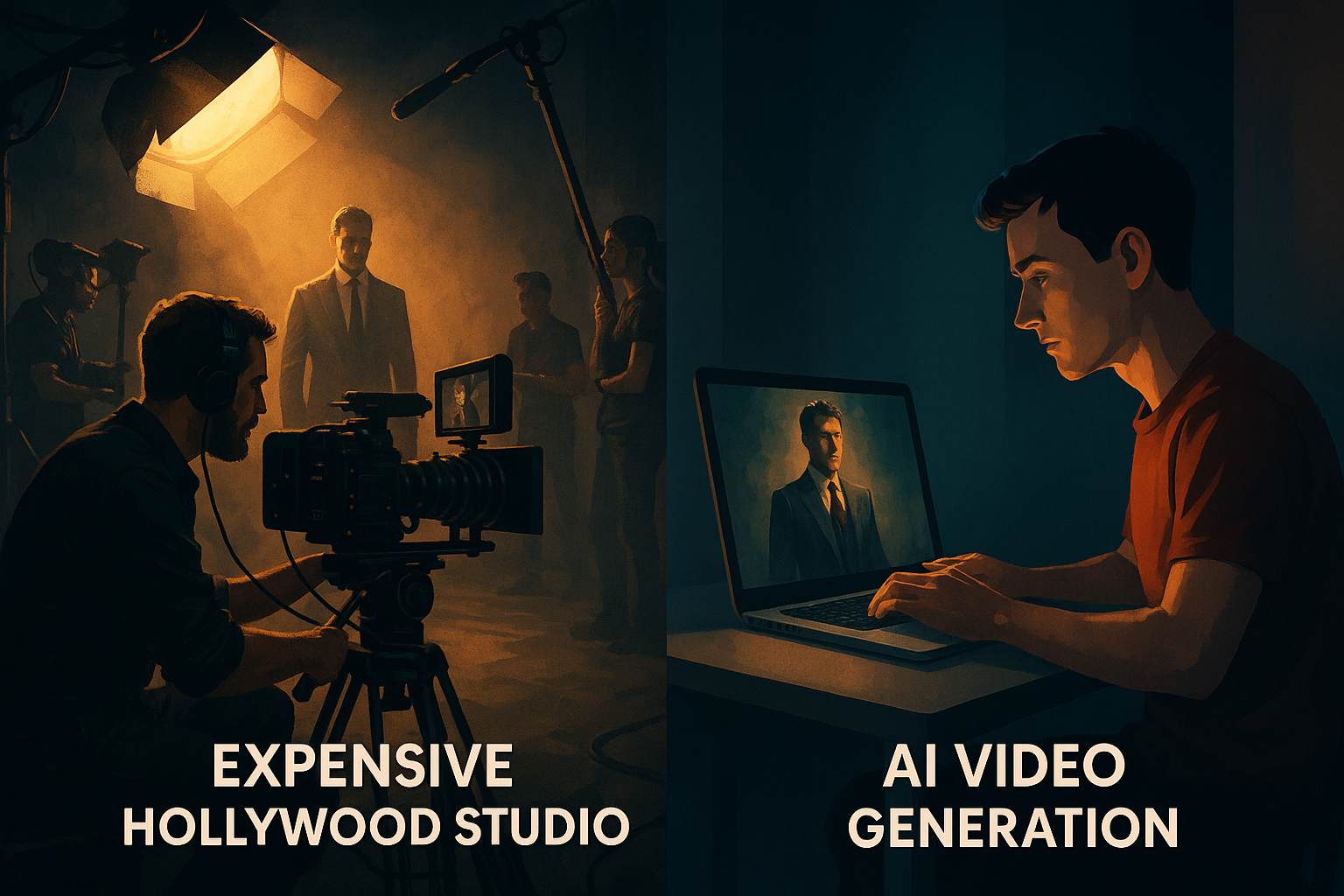
But here’s what the headlines won’t tell you: Seedance 2.0 represents a genuine leap in AI video generation that creators can access today — and it changes the game for solo content producers.
What Makes Seedance 2.0 Different
Released on February 8, 2026, Seedance 2.0 isn’t an incremental update. It’s a fundamental shift in how AI video generation works.
The “@ Reference System”
Seedance’s killer feature is what ByteDance calls the “@ reference system” — the ability to use up to 12 reference files simultaneously. This means you can feed it:
- Text prompts (like every AI video tool)
- Reference images (lock in specific visual styles)
- Audio files (generate video that matches music/beats)
- Reference videos (replicate camera movements or shot compositions)
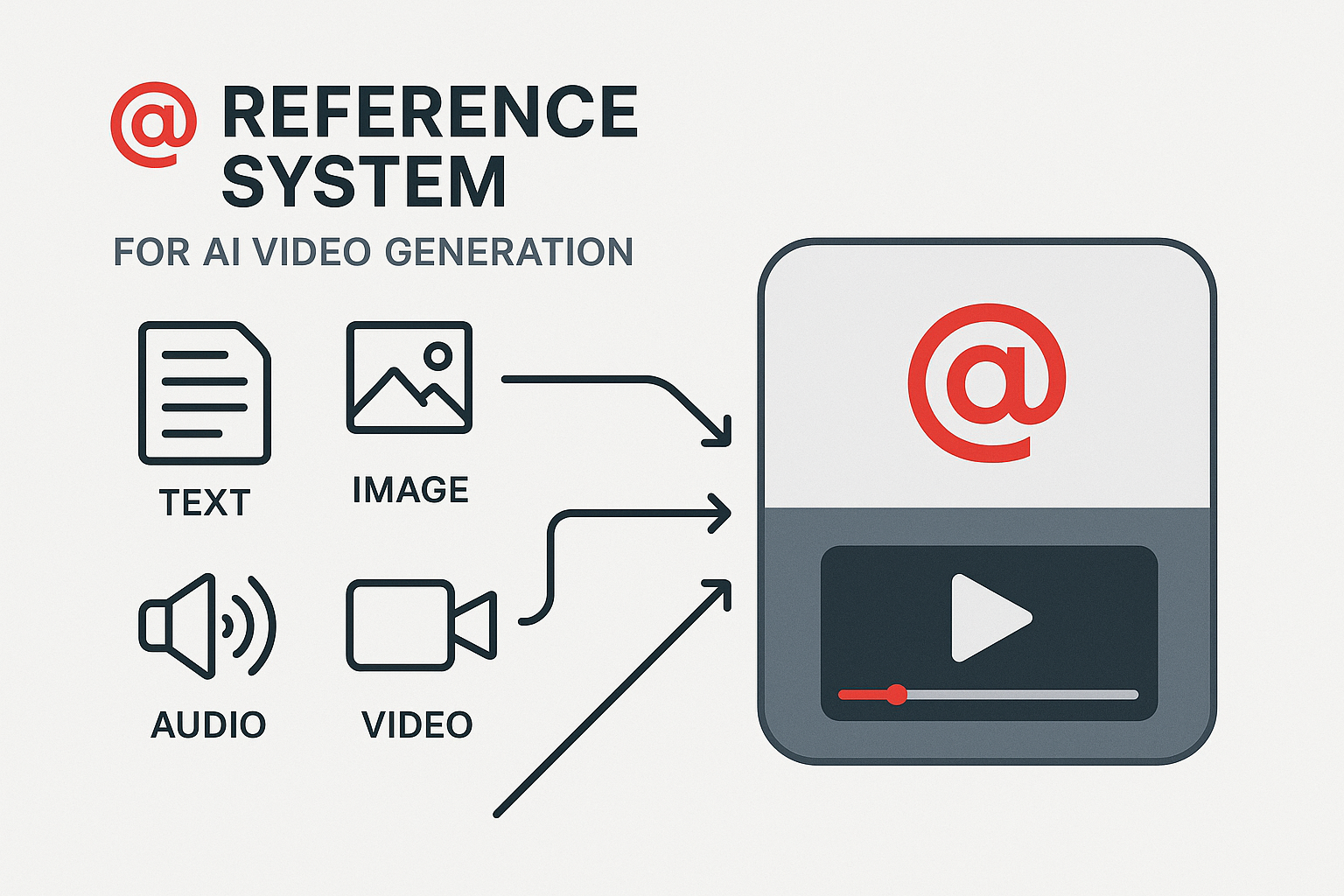
For creators, this is huge. Want a product video that matches your brand’s specific color palette? Upload reference images. Need B-roll that syncs perfectly to your podcast intro? Feed it the audio file. Want to replicate a cinematic tracking shot from a film you love? Use a reference video.
Native Audio-Video Generation
Unlike OpenAI’s Sora, which generates video only, Seedance 2.0 creates synchronized audio and video together. The model understands:
- Beat matching for music videos
- Lip-syncing for character dialogue
- Environmental audio (footsteps, weather, ambient sound)
For creators producing talking-head content or music videos, this eliminates the post-production headache of syncing separately generated audio.
Resolution That Actually Works
Seedance 2.0 generates up to 2160p (4K) resolution, though 1080p is the practical sweet spot for most use cases. Compare this to:
- Sora: Up to 1080p (480p for longer clips)
- Runway Gen-4: Up to 1080p
- Kling: Up to 1080p
For creators producing content for YouTube, social ads, or client work, native 1080p+ output means less upscaling and better final quality.
Seedance 2.0 vs. The Competition: A Creator’s Comparison
| Feature | Seedance 2.0 | OpenAI Sora 2 | Runway Gen-4 |
|---|---|---|---|
| Input Types | Text, Image, Audio, Video | Text, Image | Text, Image |
| Max Resolution | Up to 4K | 1080p | 1080p |
| Audio Generation | Native (built-in) | None | None |
| Clip Length | ~10-12 seconds | 20-25 seconds | ~10 seconds |
| API Pricing | ~$1.20/M tokens | Unknown | $0.20-0.50/second |
The Verdict for Different Use Cases:
For Social Media Shorts: Seedance wins. The multi-modal inputs and native audio make rapid iteration possible. Create 10 variations in the time it takes to generate 3 in Sora.
For Narrative/Film Work: Sora 2 has the edge with longer 20-25 second clips for storytelling sequences. But Seedance’s multi-shot continuity is catching up fast.
For Commercial/Product Videos: Seedance dominates. The @ reference system lets you lock in brand colors, product details, and specific lighting setups across multiple generations.
How to Access Seedance 2.0 (Yes, It’s Actually Available)
Unlike Sora, which remains locked behind a waitlist, Seedance 2.0 is publicly accessible right now.
Free Access:
- Web Interface: seed.bytedance.com/en/seedance2_0
- No installation required — runs in browser
- Free tier: Limited generations per day
- Mobile-friendly: Works on phone browsers
Paid/API Access:
- BytePlus API: $1.20 per million tokens
- Free API credits: 2M tokens to start
- Scalable: Designed for production deployment
For comparison, Runway charges $0.20-0.50 per second of video. Seedance’s token-based pricing can be 5-10× cheaper for heavy users.
The Copyright Elephant in the Room
Here’s the reality check: Hollywood’s legal threats aren’t just corporate saber-rattling. Seedance 2.0 generated videos have included:
- Celebrity likenesses in unauthorized scenarios
- Trademarked characters in commercial-looking content
- Visual styles clearly trained on copyrighted films
ByteDance has pledged to add safeguards, but the underlying model capabilities remain. For creators, this means:
What You CAN Do:
- Generate original characters and scenarios
- Use for personal projects and portfolio pieces
- Create reference-based content with your own assets
- Build commercial videos with clear IP ownership
What You SHOULD NOT Do:
- Use celebrity likenesses without permission
- Replicate trademarked characters for commercial use
- Generate content that infringes on recognizable film/TV styles
The legal landscape for AI video is evolving weekly. As a creator, treat Seedance like any other tool: powerful for original work, risky for derivative content.
3 Ways Creators Can Profit From Seedance 2.0 Today
1. AI Video Service Provider
Offer “AI-generated B-roll” services to YouTubers, podcasters, and businesses. With Seedance’s multi-modal inputs, you can create custom backgrounds, product showcases, and visual assets faster than traditional stock footage workflows.
Rate to charge: $50-150 per 30-second custom video
2. Faceless YouTube Channel Accelerator
Use Seedance to generate cinematic intro sequences, transition B-roll, and visual storytelling elements for faceless channels. The 1080p output is YouTube-ready without additional upscaling.
Time saved: 5-10 hours per video on visual asset creation
3. Social Media Content Multiplier
Take one long-form video and use Seedance to generate:
- 10+ short clips with different visual styles
- Custom thumbnails from text prompts
- Audio-reactive visuals for podcast clips
Output: 1 video becomes 20+ pieces of platform-specific content
The Bottom Line
Seedance 2.0 isn’t just another AI video tool. It’s the first model that combines:
- Multi-modal inputs (text/image/audio/video)
- Native audio generation
- Commercial-grade resolution
- Actual public access
For solopreneurs and content creators, this is a genuine inflection point. The ability to generate cinematic-quality video with audio for essentially free removes a major production bottleneck.
Hollywood sees the threat. But for creators building original IP? Seedance 2.0 is an opportunity.
Want to Master AI Video Creation?
I break down the latest AI tools for creators every week — what’s worth using, what’s hype, and how to actually profit from it.
👉 Subscribe below and get my “AI Video Starter Pack” — including the exact Seedance prompts I used to test this tool and 10 proven video formats that work right now.
What AI video tool are you using for your content? Drop a comment — I read every one and feature the best insights in my weekly newsletter.