What if your first AI employee did not need a salary, a desk, or a painful onboarding process?
That is the promise behind the current wave of no-code AI automation. Tools like n8n, Make, Zapier, Airtable, Google Sheets, Slack, Gmail, Notion, OpenAI, Claude, Perplexity, and countless niche APIs now make it possible to build a small digital worker that handles repetitive business tasks while you focus on selling, creating, or improving the offer.
The phrase “AI employee” can sound a bit hypey, so let’s keep it practical. We are not talking about a sci-fi robot replacing a full team overnight. We are talking about a reliable workflow that can receive an instruction, gather information, make a structured decision, create an output, and hand the result back to you for approval. That is already enough to save hours every week, and in some cases it is enough to create a new micro-service you can sell.
In this guide, we will use n8n as the main example because it is flexible, visual, and friendly to people who want more control than a simple one-step automation. By the end, you will have a clear blueprint for building a no-code AI employee that can become either an internal productivity asset or a paid AI automation service.
What Is A No-Code AI Employee?
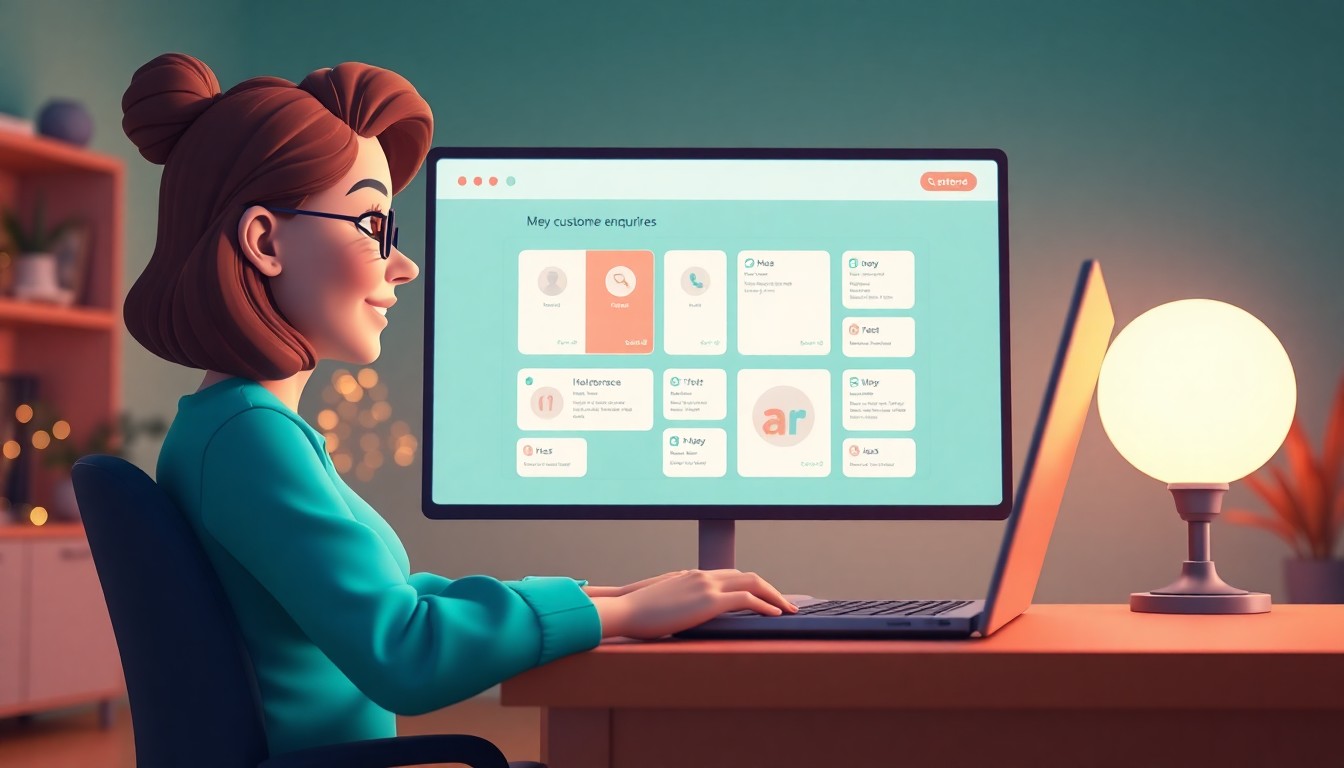
A no-code AI employee is a connected automation system that performs a repeatable job using everyday business tools and AI models. Instead of manually opening five tabs, copying information around, writing a reply, and updating a spreadsheet, you design the workflow once and let it run whenever the trigger happens.
Think of it like hiring a very junior assistant with one specific job description. It might monitor a form, read incoming requests, summarize them, decide where they belong, draft a response, and notify you. It may not replace human judgement, but it can remove the boring middle layer that slows down your day.
For example, a simple AI employee could:
- Watch a Gmail inbox for potential leads.
- Extract the sender’s name, company, budget, problem, and urgency.
- Score the lead based on your criteria.
- Add the lead to Airtable or Google Sheets.
- Draft a personalized reply.
- Send you a Telegram, Slack, or email summary for approval.
That is not magic. It is a trigger, a few data steps, an AI prompt, and a final action. The money opportunity appears when you package that workflow for a specific business niche.
Why n8n Is A Strong Starting Point
n8n is especially useful because it sits in the middle ground between beginner automation and custom-coded software. You can drag nodes onto a canvas, connect services, transform data, call AI APIs, and still add advanced logic when needed. It can be self-hosted or used in the cloud, which makes it attractive for builders who want flexibility.
For an AI income stream, this matters because clients rarely need “AI” in the abstract. They need outcomes. They need fewer missed enquiries, faster replies, better content, cleaner reporting, or a way to stop their team from doing copy-and-paste work all day. n8n helps you turn those outcomes into visible workflows that can be tested, improved, and demonstrated.
The best part is that you do not need to begin with a giant system. A single useful workflow is enough. One agent that saves a local business two hours a week can be worth a setup fee. Three connected agents that save them ten hours a week can become a monthly retainer.
The Best First AI Employee To Build
If you are starting from scratch, build a lead intake and follow-up assistant. It is simple enough to understand, valuable enough to charge for, and useful across many niches.
The job description is clear:
- Collect new enquiries from a form, inbox, booking page, or website chat.
- Summarize the request in plain English.
- Classify the lead by service type, urgency, and fit.
- Draft a helpful response based on the business’s tone.
- Log everything into a simple CRM.
- Alert the owner when a hot lead appears.
This is a great first product because every business understands the pain of slow replies. Speed matters. If a plumber, cleaner, coach, estate agent, dentist, or agency responds quickly and professionally, they win more work. Your AI employee does not have to close the sale. It just has to make the first response faster and better.

The Basic n8n Workflow Blueprint
Here is the simple version of the workflow:
- Trigger: A new form submission, email, webhook, or spreadsheet row arrives.
- Clean the data: n8n formats the name, contact details, message, and source.
- AI analysis: The workflow sends the enquiry to an AI model with a structured prompt.
- Decision step: The AI returns a JSON-style result: summary, category, urgency, score, and suggested reply.
- Storage: The lead is added to Airtable, Google Sheets, Notion, HubSpot, or another CRM.
- Notification: The business owner receives a concise alert in Slack, Telegram, or email.
- Human approval: The draft reply waits for approval before sending, at least in the early version.
The human approval step is important. It keeps the system safe, gives the owner confidence, and lets you learn what good output looks like before adding more automation. In other words, your first AI employee should be supervised. Later, once trust is built, some low-risk steps can run automatically.
The Prompt That Makes It Useful
The AI prompt is where the workflow becomes more than a basic automation. A weak prompt says, “reply to this lead.” A useful prompt gives the AI a job role, rules, output format, and examples.
For example:
You are the lead intake assistant for a small service business. Read the incoming enquiry and return a concise summary, the likely service requested, urgency level, lead quality score from 1-5, missing information, and a friendly draft reply. Do not invent prices or availability. If the lead seems urgent, mark it as urgent and recommend a phone call.
Then ask for structured output:
- Lead summary
- Service category
- Urgency
- Score
- Missing details
- Suggested reply
- Recommended next action
This structure makes the output predictable, which makes the automation easier to use. Predictability is what turns a clever demo into a dependable product.
How To Turn This Into An Income Stream
There are three straightforward ways to monetize a no-code AI employee.
1. Sell The Setup
Offer a fixed-price setup for one specific workflow. For example: “I will build an AI lead response assistant for your business in seven days.” This is the easiest offer to explain. You can charge based on the value of the problem, not just the time it takes you to connect the tools.
A beginner-friendly price might be £300-£750 for a simple setup. A more polished version with CRM integration, approval flows, and custom reporting could be £1,000-£2,500+ depending on the business and niche.
2. Add A Monthly Maintenance Retainer
Automation is not a one-and-done asset. APIs change, business rules evolve, prompts need tuning, and clients will ask for tweaks. That creates a natural recurring revenue model.
You might charge £99-£500+ per month for monitoring, small improvements, reporting, and support. The key is to define what is included so the retainer does not become unlimited custom work.
3. Package It For A Niche
The real leverage comes from repetition. Instead of building ten totally different systems, build one workflow for one niche and adapt it. A lead assistant for cleaning companies. A booking assistant for beauty salons. A content repurposing assistant for estate agents. A review request assistant for local trades.
Each niche version gets better as you learn the common messages, objections, terms, and workflows. That means faster delivery and higher margins.

A Simple Seven-Day Build Plan
If you want to make this real quickly, use a seven-day sprint.
Day 1: Pick one niche and one painful task. Do not start with “AI automation for everyone.” Choose a specific business type and a specific workflow. Example: lead intake for local cleaning companies.
Day 2: Map the manual process. Write down what currently happens when a lead arrives. Where does it come from? Who reads it? What information is needed? What response is normally sent?
Day 3: Build the n8n skeleton. Create the trigger, data cleaning step, AI prompt step, storage step, and notification step. Keep it ugly but functional.
Day 4: Test with realistic examples. Use ten sample enquiries. Include messy messages, vague requests, urgent jobs, spam, and high-value leads.
Day 5: Add human approval. Make sure the business owner can review the AI’s suggested reply before anything is sent externally.
Day 6: Create a mini demo. Record a short screen video showing a lead coming in, the AI analysis appearing, and the draft reply being prepared.
Day 7: Pitch five businesses. Keep the message short: “I built a small AI assistant that helps [niche] respond to new enquiries faster. Want me to show you a two-minute demo?”
What To Avoid
The biggest mistake is building something too broad. “I can automate your business with AI” sounds impressive but vague. “I can help you respond to new quote requests in under five minutes without living in your inbox” is much easier to understand.
Also avoid fully autonomous sending at the beginning. Let the AI draft and organize, but keep a human in the loop until the workflow has proven itself. This protects the client, protects you, and makes the service feel trustworthy.
Finally, do not bury the client in technical language. They do not care that you used webhooks, JSON parsing, and model routing. They care that leads stop slipping through the cracks.
The Tiny Version You Can Build Today
If you want the fastest possible starter version, connect a website form to n8n, send the message to an AI model, save the result into Google Sheets, and email yourself the summary plus draft reply. That is enough to demonstrate the concept.
Once that works, improve it in layers:
- Add lead scoring.
- Add different reply templates for different services.
- Add Slack or Telegram alerts for urgent leads.
- Add CRM updates.
- Add weekly reporting.
- Add a dashboard for the client.
Each layer creates a reason to charge more because each layer moves the system closer to a real business asset.
Final Thoughts
The no-code AI employee idea is powerful because it sits at the intersection of three things businesses already want: speed, consistency, and lower admin load. You do not need to build a giant SaaS platform to benefit from it. You can start with one workflow, one niche, and one measurable outcome.
For AI income stream builders, this is one of the most practical opportunities right now. The tools are accessible, the pain points are obvious, and most small businesses have not yet translated AI hype into a working system.
Start small. Build the assistant. Record the demo. Sell the outcome. Then improve the workflow until it becomes a repeatable product.
Your first AI employee might not take lunch breaks, but it should definitely earn its keep.